┌┬┐┌─┐┌─┐┌─┐┬ ┬┌┬┐┬ ┬┬┌─┐
│││├┤ │ ┬├─┤│ │ │ ├─┤││
┴ ┴└─┘└─┘┴ ┴┴─┴ ┴ ┴ ┴┴└─┘
@megalithic 🗿
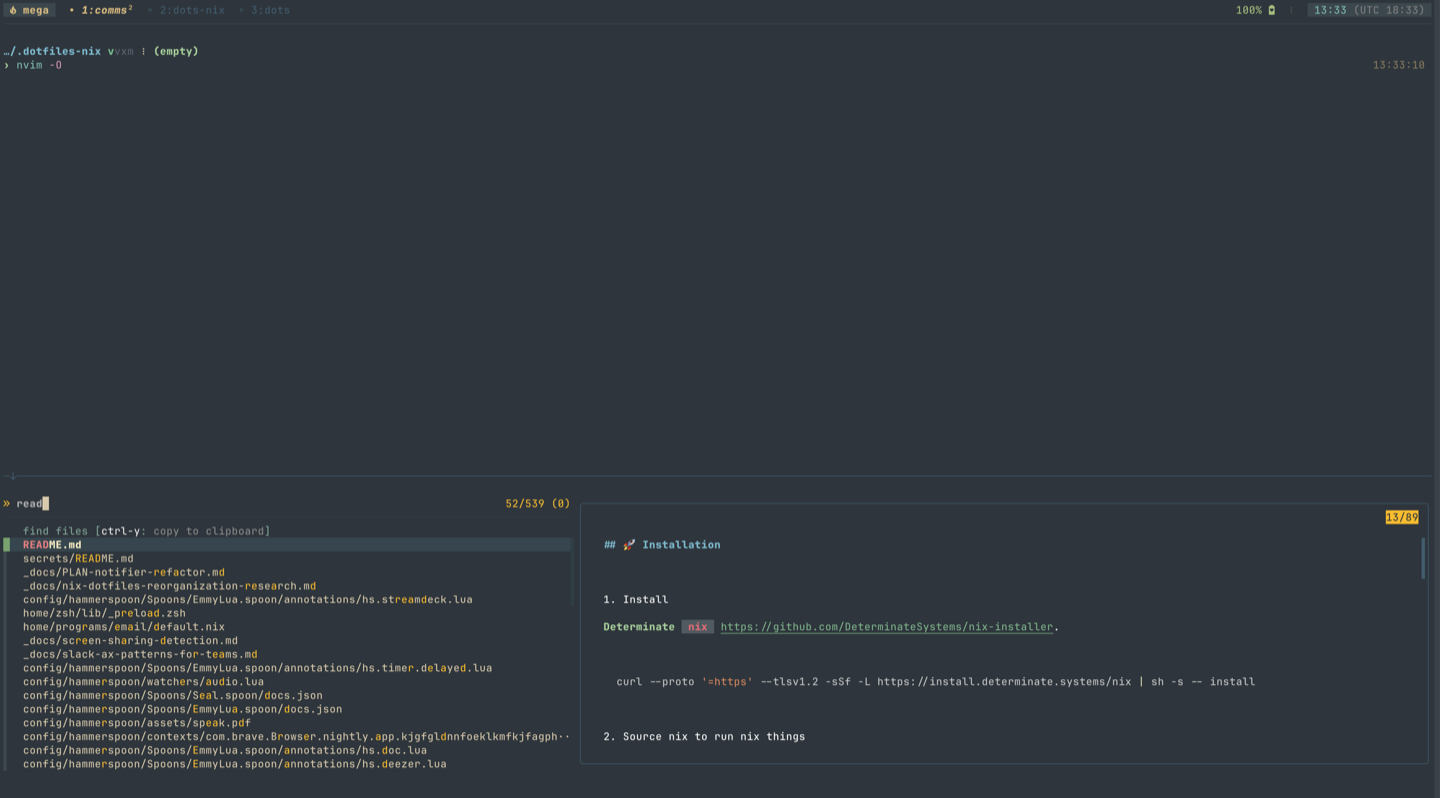
- Install
Determinate
nix.
curl --proto '=https' --tlsv1.2 -sSf -L https://install.determinate.systems/nix | sh -s -- install- Source nix to run nix things
source "/nix/var/nix/profiles/default/etc/profile.d/nix-daemon.sh"- Run the installer (clones the repo to ~/.dotfiles)
nix run github:megalithic/dotfilesYou can see the current tasks by running just --list
$ just --list
Available recipes:
default
fix-shell-files # fix shell files. this happens sometimes with nix-darwin
hm              # run home-manager switch
news
mac | rebuild # rebuild nix darwin
uninstall     # uninstalls the nix determinate installer
update        # updates brew, flake, and runs home-manager
update-brew   # update and upgrade homebrew packages
update-flake  # update your flake.lock
upgrade-nix # upgrades nixNOTE: this nix setup is super unstable at the moment.
I am pushing updates constantly, so there are NO guarantees of stability with my config!
Warning
I highly recommend you dig into the scripts and configs to see what all is going on (because it does a lot more than what I'm describing in this README) before you -- all willy-nilly, throw caution to the wind -- install a stranger's shell scripts. 🤣
A few of the must-have tools I roll with:
- nix (home-manager/nix-darwin)
- ghostty
- homebrew
- mise
- tmux
- fish
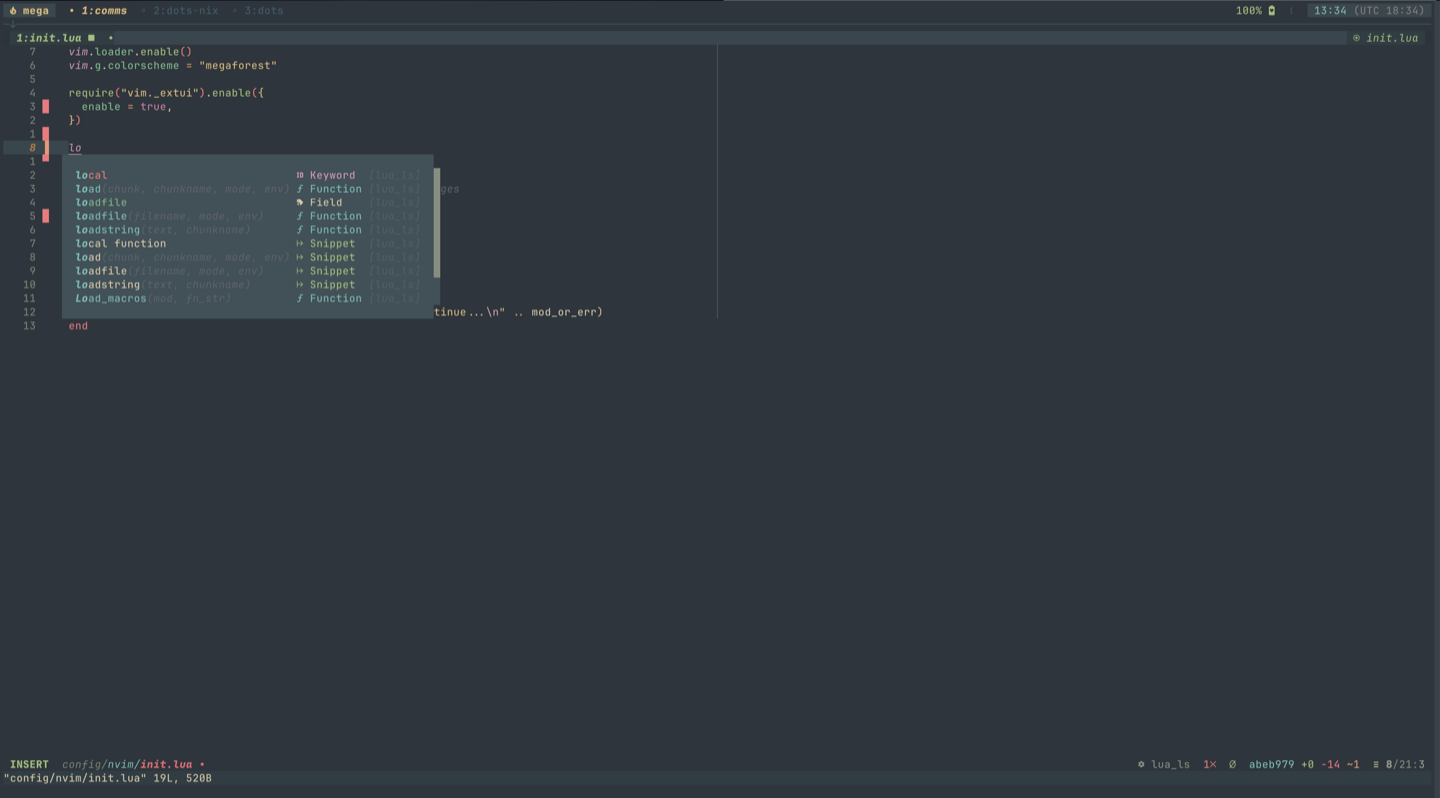
- neovim
- weechat
megaforestfor all the colours/themes- jetbrains mono font (nerd-fonts patched)
- hammerspoon
- kanata
- karabiner-elements (leeloo ZMK)
- gpg/yubikey/encryption
vim-esque control